
The Theme Explorer acts as your school’s command center, allowing you to select and configure your page’s Colors, Typography, Buttons, and Layouts from a single menu.
In this article, we'll go through the customization options of your school's Typography.
Customize typography
Navigate to Website → Theme Explorer and choose Buttons & Inputs.
Alternatively, go to Design → Edit Website → Design and choose Buttons & Inputs.
Adjust the basic or advanced typography settings. As you make changes, they will appear live in the right-side page preview.
You can choose from a wide range of font families and text sizes available in your school. You can also set a default font family for your headings and main text widgets, either using the same font or different ones for headings and main text.
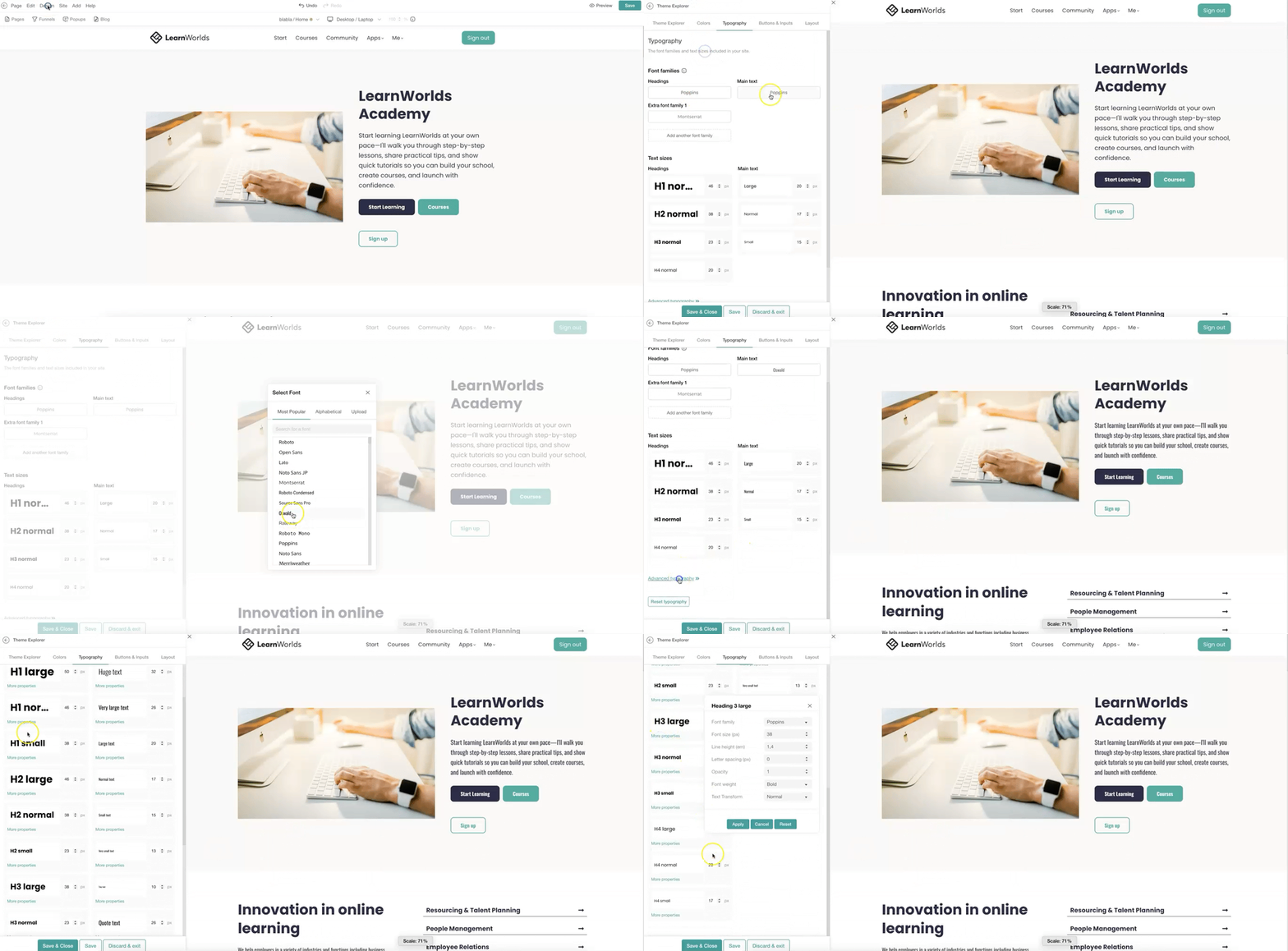
Το complete changes, click on Apply (when More properties is selected), and Save or Save & Close to exit immediately. To discard changes, click on Discard & exit.

On Learning Center plan or higher, you can also upload custom fonts to use on your pages. While you can upload as many fonts as you like, you can set up to five additional font families for individual headings and main text widgets.
Click Add another font family and choose from the available lists or upload your own font. You can select fonts from the Most Popular list, browse in Alphabetical order, or upload custom fonts in .woff, .woff2, or .ttf format.
Restore typography
To restore changes to the default values, click on Reset typography.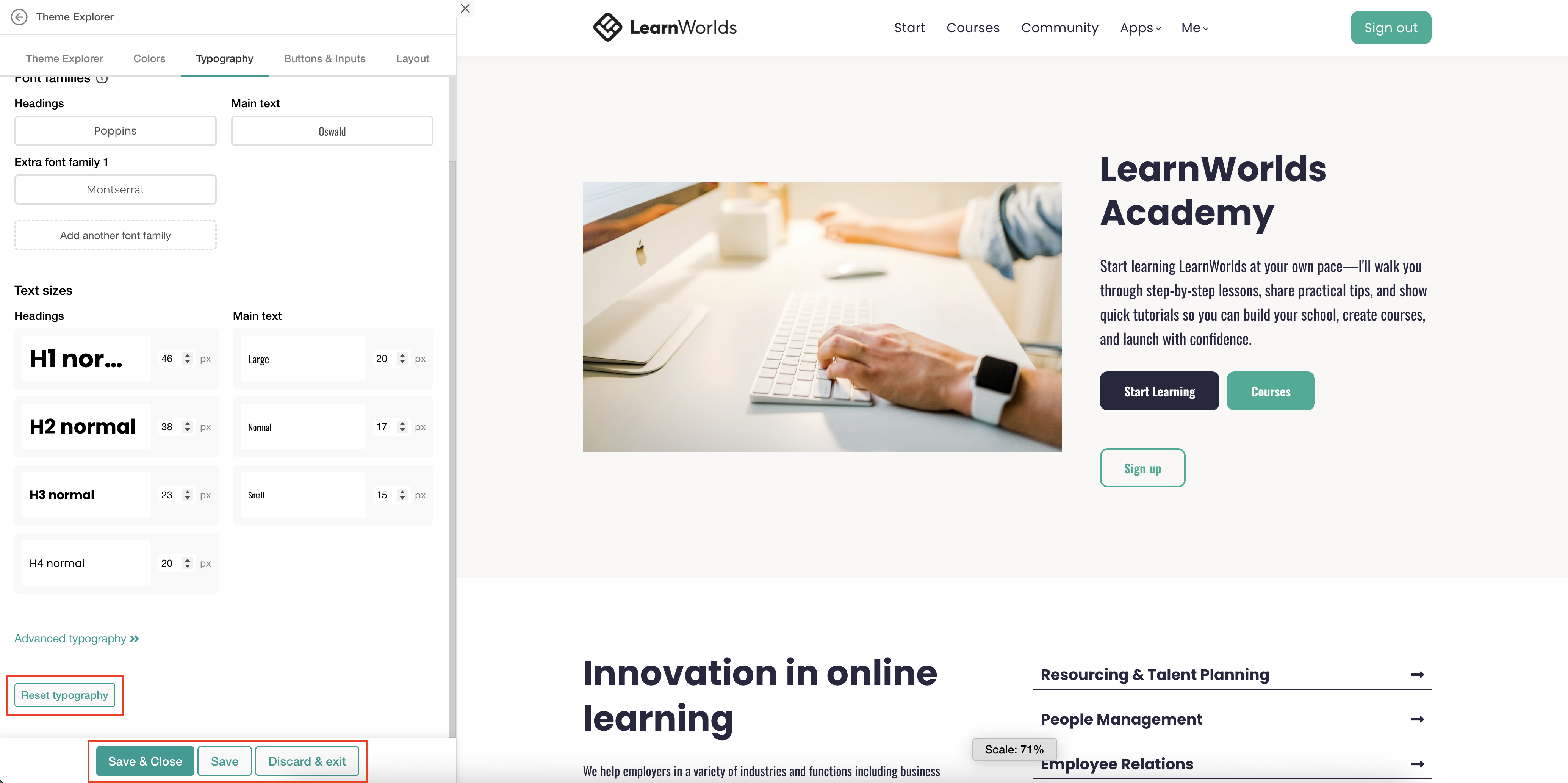
- All the school typography is linked to your Theme Explorer’s color settings. Any changes to typography settings apply globally across your website.
- Text widgets are divided into two categories, headings and main text, based on their HTML structure, which impacts SEO (search engines crawl them differently). Check out more about our Headings and Main Text widgets here.