
Keeping your billing information up to date helps ensure accurate invoicing and smooth subscription management in LearnWorlds.
In this article, you will learn how to update the billing details associated with your LearnWorlds account.
1. Navigate to My account → Account & Billing → Billing Details. If the Plans page opens first, click the back arrow and then select Billing Details.
2. Click on Edit details.
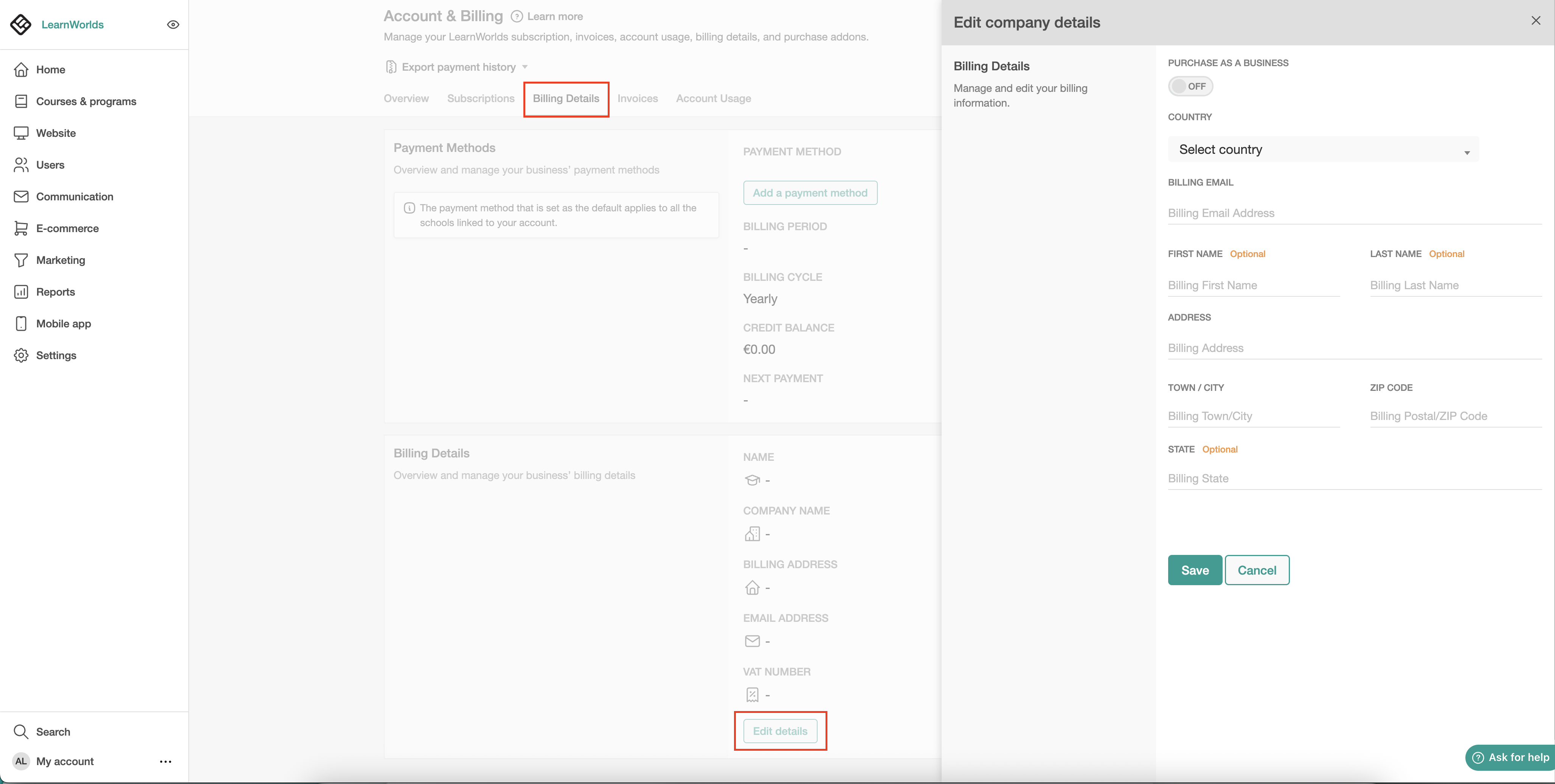
When enabling the Purchase as a Business option, the Company Name field appears. If an EU country is selected, the EU VAT number field will also be displayed. 
- If you manage multiple schools under the same LearnWorlds account, updating the billing details for one school automatically applies it to all your schools.
- You can upgrade, downgrade, update your payment method, or download your invoices anytime via your dashboard.