


The extra AI Add-On empowers you to take full advantage of LearnWorlds’ intelligent course creation tools, from generating quizzes and outlines to enhancing content with AI assistance.
Each plan includes a monthly quota of AI credits, and now you can easily purchase additional credits directly from your dashboard.
How the extra AI Add-On Works
Every LearnWorlds plan includes a number of free AI credits per month:
- Starter: 300 credits/month
- Pro Trainer: 500 credits/month
- Learning Center: 1.000 credits/month
- High Volume: Custom
 These credits automatically renew at the start of each billing period, in line with your school’s subscription cycle.
 If you run out of your monthly quota, you can purchase the Extra AI Credits Add-On directly from your LearnWorlds account.
- Each Add-On provides 20.000 additional AI credits per month.
- Add-ons renew automatically based on your existing plan’s billing cycle (monthly or yearly).
How to enable the extra AI Add-On
- Go to your LearnWorlds Admin Dashboard.
- Navigate to My Account → Account & Billing.
- Under Add-Ons, find Extra AI Credits.
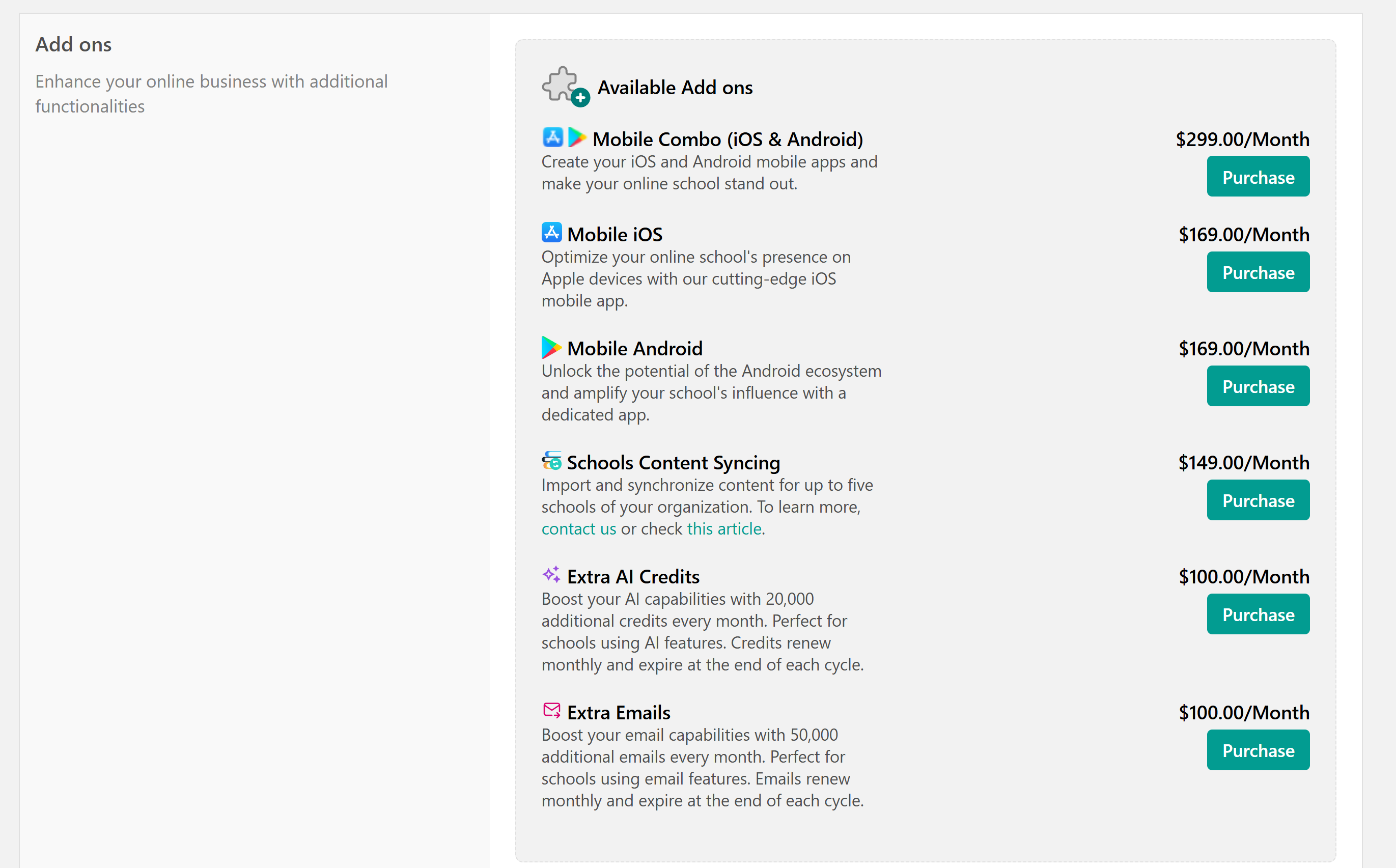
- Select and activate it.
- Once purchased, your AI credit balance updates automatically within minutes.
You’ll now see both your included (plan) and extra (add-on) AI credits in your usage report.
Tracking your AI usage
You can view your remaining AI credits at any time.
- Go to Settings → Integrations→ AI.
- Look for AI Credits Usage — this displays:
- Free AI credits
- Extra Add-on credits (if any)
When you reach your AI credit limit, the system will let you know, and AI features (like quiz or course generators) will pause until new credits are available.
- Your extra AI Add-On renews automatically along with your main subscription.
- If you cancel or downgrade your plan, the add-on and any remaining credits will also end immediately.
- Credit balances reset each billing period; unused credits don’t roll over.
- The add-on follows your base subscription’s billing cycle. For clients on a yearly plan, the add-on is billed annually (100 × 12 = $1,200). However, the credits are distributed monthly.